
Ship Navigation
Moving Forward
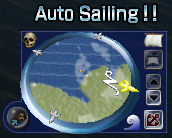
Click on the  of the compass. The sails will open completely and the ship will move forward.
Fleets will move according to the Admiral's orders when the  is clicked.
Controlling the Sail
Catch the wind by changing sail direction to travel even faster.
- Click on

 to change sail direction. The blue scale will rise when the sail direction is most effective.
 - When the blue scale reaches its maximum the ship will engage in auto sail mode traveling at its fastest. User can only change ship direction during auto sail.
The relation between sail direction and wind direction:

Make sure the back of the sail is against the wind. Keep changing the sail's angle if you have trouble catching the wind.
Adjusting the Speed
- Click
 to fold the sail and decrease travel speed.
 - Click
 to open the sail and travel faster.
Stopping the Ship
- Click
 to stop the ship.
 - Closing the sail completely has the same effect.
Remember to close the sail all the way before a hurricane.
Leaving the sail open will dramatically decrease the ship's durability.
Changing Ship Direction
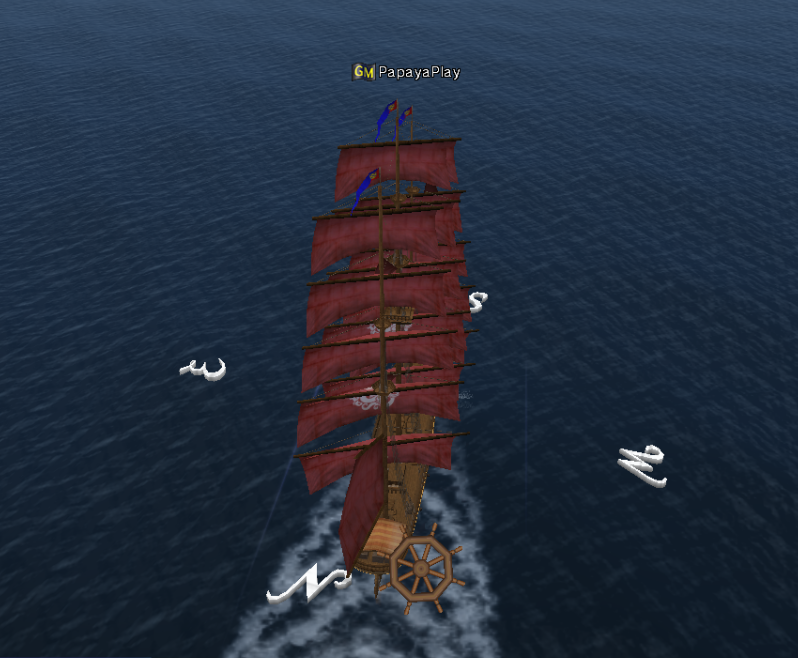
Click on the surface of the ocean in the direction you want to travel, or click on the direction cursor (left, right) in the desired direction.
A turn marker will appear, and you can select the direction. Turning the ship takes some time.